Create or restore
Create a new wallet in seconds, or restore one you already have with its recovery key. Your key is made on your phone and stays there.
A simple wallet for iOS and Android. Send and receive OneEur in milliseconds, pay with a QR code, and watch your own chain grow.
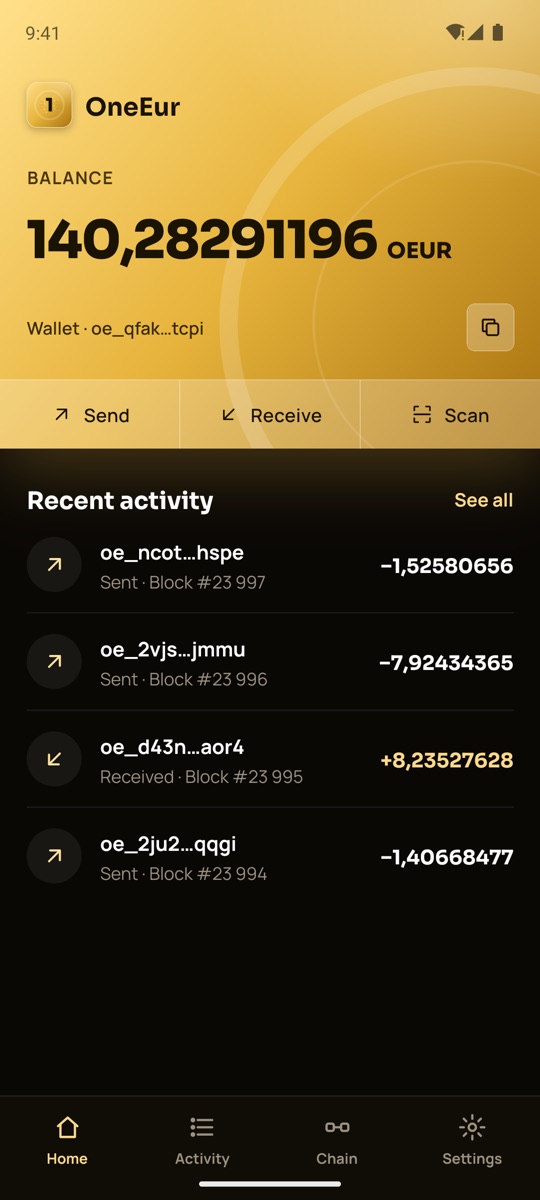
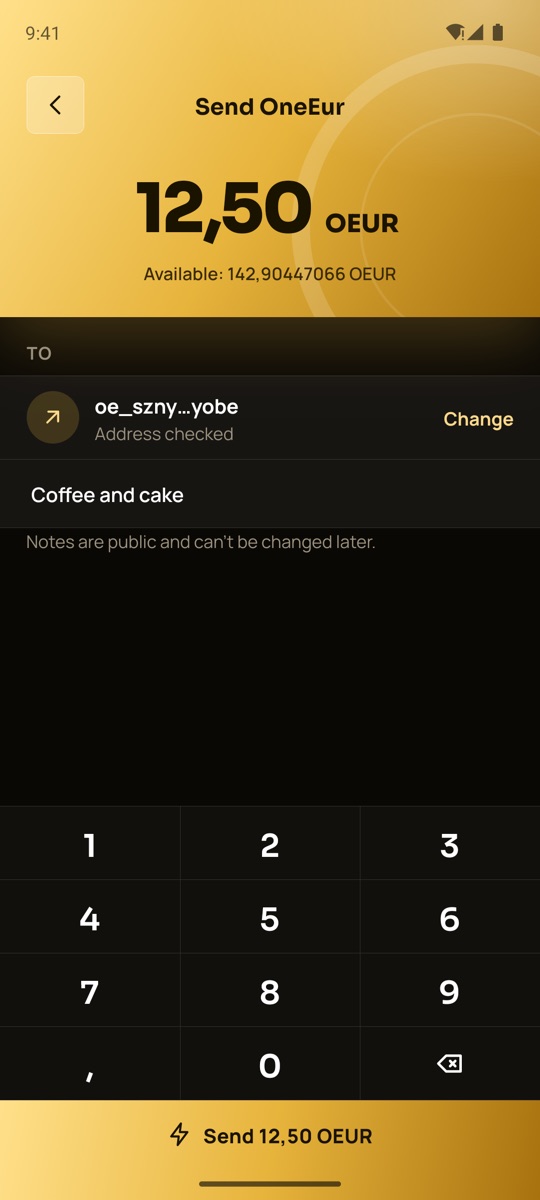
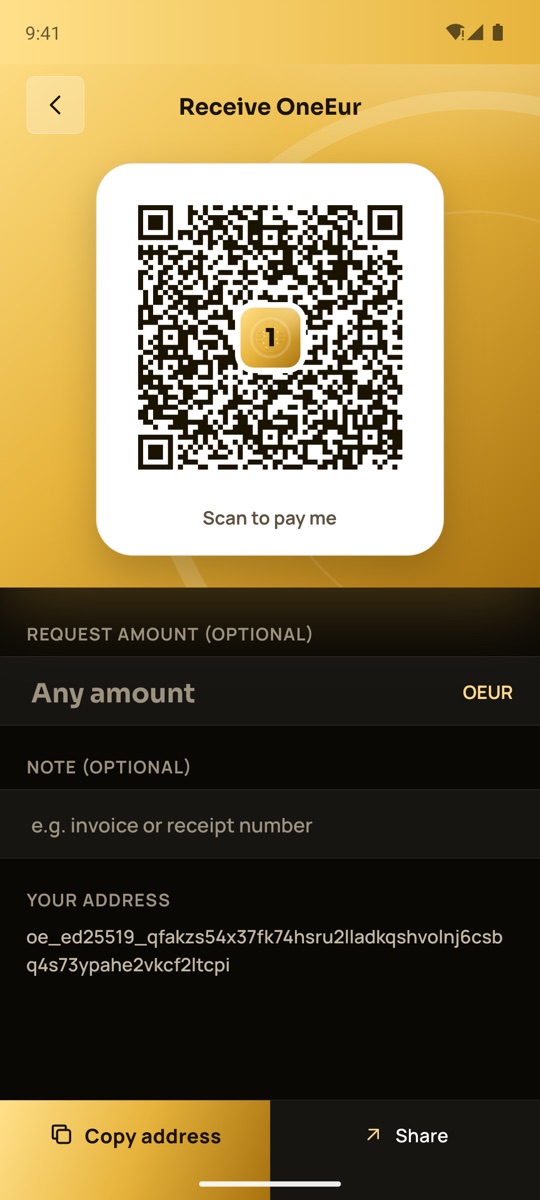
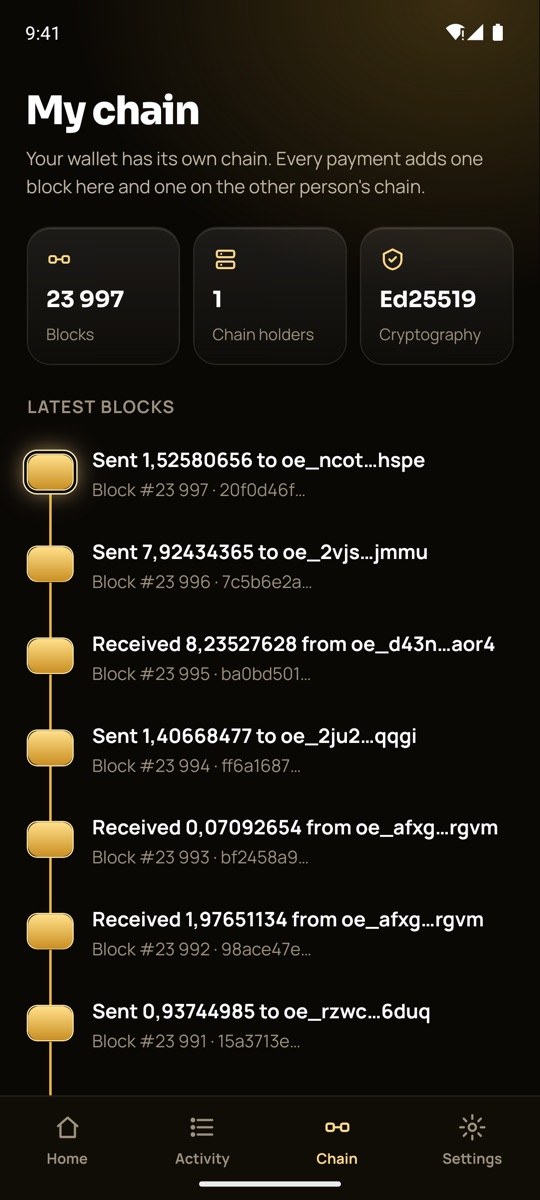
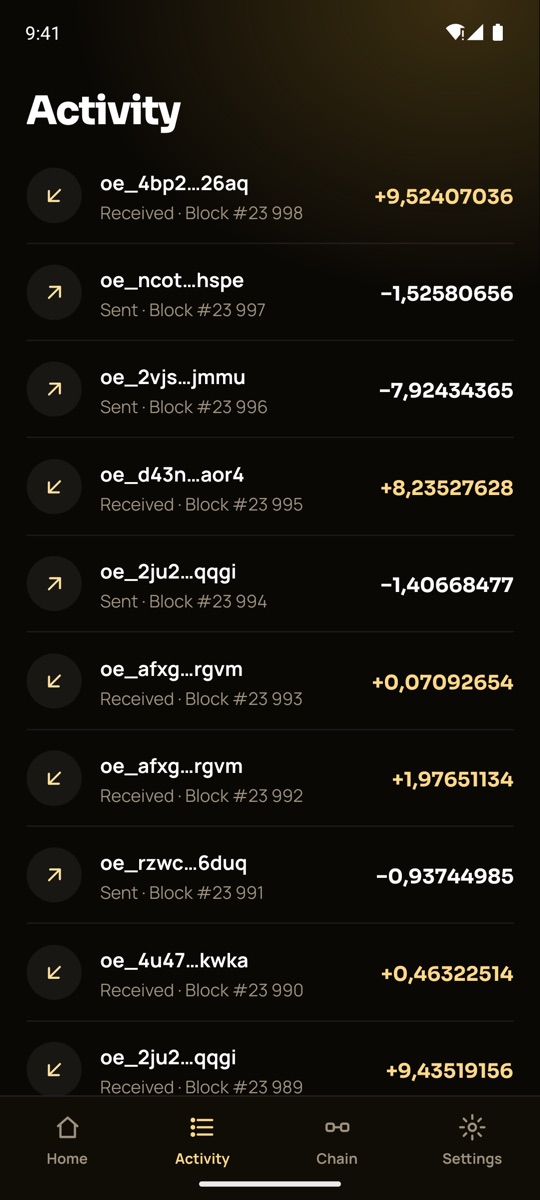
Screenshots of the Android app with a test wallet.
Create a new wallet in seconds, or restore one you already have with its recovery key. Your key is made on your phone and stays there.
Enter an address and an amount on the keypad, add a note if you like, and tap Send. The payment is confirmed in milliseconds.
Show a QR code with your address and, if you want, an amount. Scan it in the app or with the phone’s own camera to open Send already filled in.
Payments to you are collected automatically, and your balance and activity update live as blocks are confirmed.
My chain shows your wallet’s blocks, linked one after another, with the newest glowing gold.
Give addresses names like “Mom” or “Coffee shop”. They are kept only on your phone.
Download the OneEur wallet for iOS or Android from [where to get it].
Tap Create wallet and choose a 6-digit PIN. Your key is made on the phone and encrypted with the PIN.
In Settings, tap Copy recovery key and keep it somewhere safe and offline. It is the only way to restore your wallet.
The wallet’s secret is encrypted with your PIN and stored in the iOS Keychain or Android Keystore. The app asks for the PIN when it opens, after a minute in the background, and before anything sensitive. More about security →
Uninstalling the app or tapping Remove wallet deletes the key from the phone. Make sure your recovery key is backed up first.
This policy covers the OneEur wallet app for iOS and Android. Last updated 6 October 2026.
The app has no sign-up and never asks for your name, email, phone number or contacts. It has no ads, no analytics, no crash reporting and no third-party trackers, and it sends no device identifiers.
Your wallet’s secret key, encrypted with your PIN and kept in the iOS Keychain or Android Keystore. Your PIN is never stored or sent. Names you give to addresses and a local copy of your chain are also kept only on the phone. None of this is sent to us or anyone else.
To show your balance and make payments, the app connects to the OneEur gateway at gateway.oneeur.com over an encrypted connection. It asks for the blocks of your address and sends payments you sign: the sender and receiver addresses, the amount, your public key, the signature and the memo, if you add one. As with any internet connection, the gateway sees your IP address in order to reply.
Every confirmed block, including addresses, amounts and memos, is copied to every chain holder and can be seen by anyone in the explorer. Addresses are not linked to your name by us, but anyone you pay or who pays you knows your address. Blocks cannot be changed or deleted by anyone, including OneEur. Never put private information in a memo.
The camera is used only to scan payment QR codes, and only after you allow it. Images are read on the phone and are never saved or sent. The app reads the clipboard only when you tap Paste, and writes to it only when you tap Copy.
Tapping Remove wallet or uninstalling the app deletes the key, your address names and the local chain copy from the phone. Blocks already on the chain stay there, because the network has no way to remove them.
If this policy changes, we will update this page and the date above. Questions about privacy: [contact email].
Two blocks per payment, one primary that confirms, full copies on every holder.
Read moreEd25519 and SHA-256, a key that stays on your phone, and what is still to do.
Read moreKeep a full copy of every chain on your own machine with one Docker command.
Read more